DERELIKT graphics settings
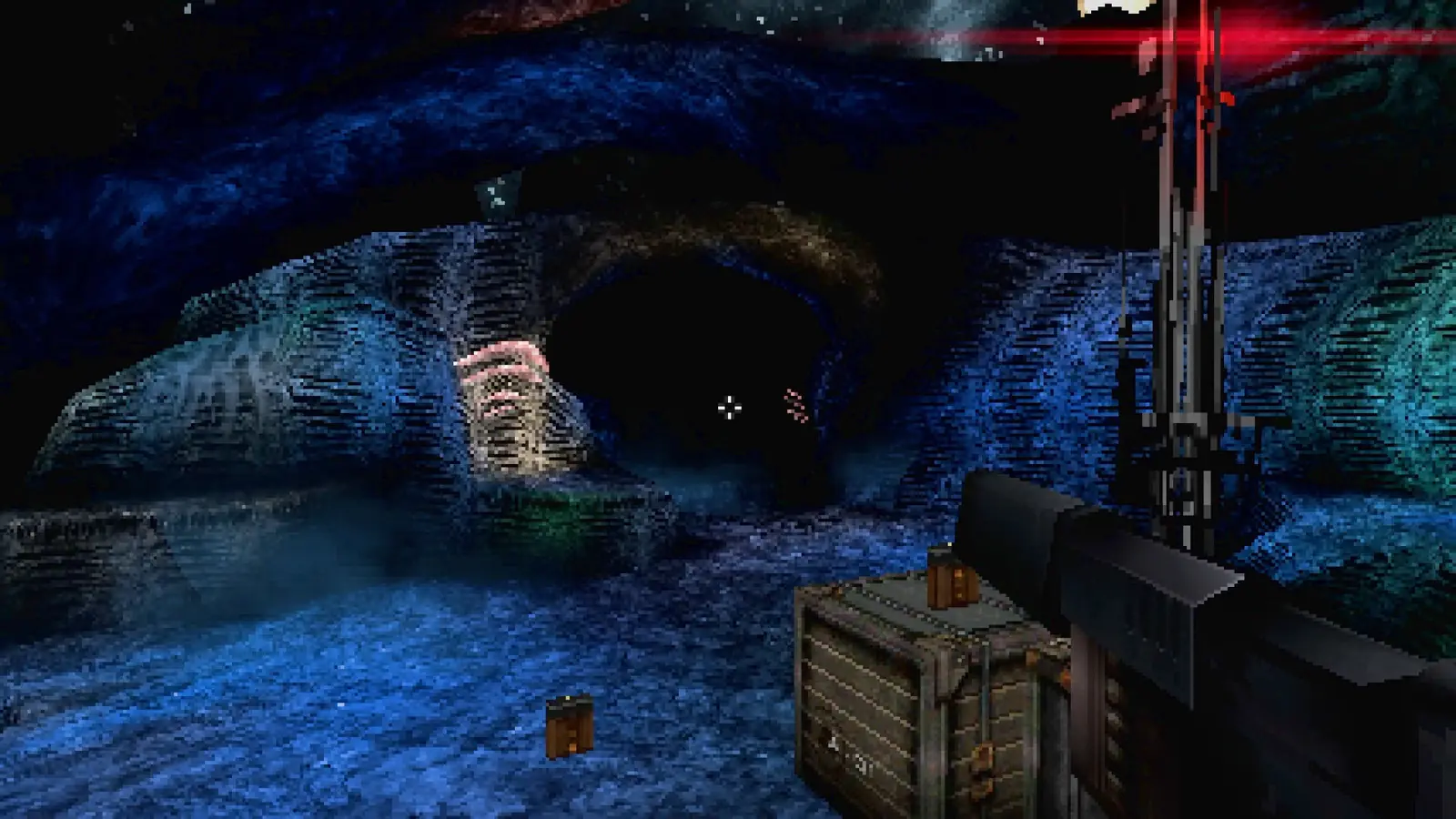
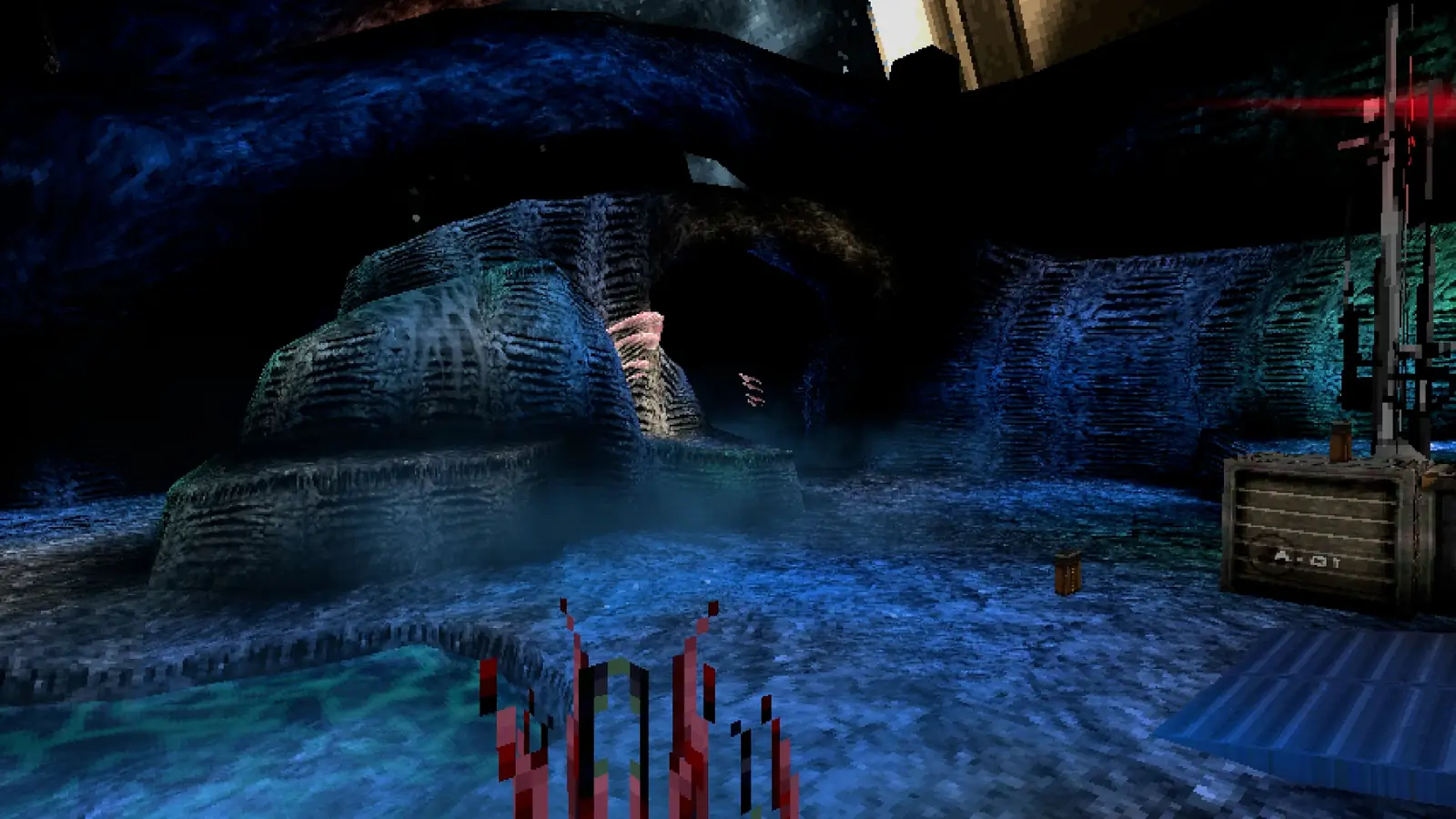
The PS1 look is three switches, not one filter. You can mix them.
The studio’s own essay on the look says you can pick a low, crunchy resolution or a clean high resolution. Texture warping can be turned off completely. Dithering can be turned off completely. The three choices are independent, so a clean resolution can still wobble, or a crunchy one can stay sharp-edged. The low-poly models and the hand-painted vertex lights are the art, not a post filter, and they stay on.
The same essay explains the technique: affine texture warp, dynamic subdivision that splits one triangle into four and then sixteen, and the pop that subdivision causes. I am not going to promise a frame-rate gain from disabling warp or dither. No measured performance table exists.
Hotfix 1 says a field-of-view option is in progress. I will not invent the slider’s range. Menu labels on Xbox were not written down in the sources I have, so a console menu may use different words for the same three switches.
Video
PC requirements · PS1 style vs PS1 hardware
Questions
Can I turn off the PS1 effect?
You can disable texture warping and dithering separately, and you can raise the resolution. The low-poly art remains.
Is there an FOV slider?
The first hotfix said it was coming. A range is not published.
Will disabling the filters raise my frame rate?
No measured result is published, so this page does not claim one.
Sources
- Steam news — accessed 2026-11-16
- Official comparison video — accessed 2026-11-16